
Follows the body
Folds change with the driver bones, frame by frame — not with a timeline or a state machine.
The real-time half of Looma. It reads the driver bones every frame and shows the wrinkle maps that fit the pose — folds that follow the body, with no empty frames and a fixed shader cost.
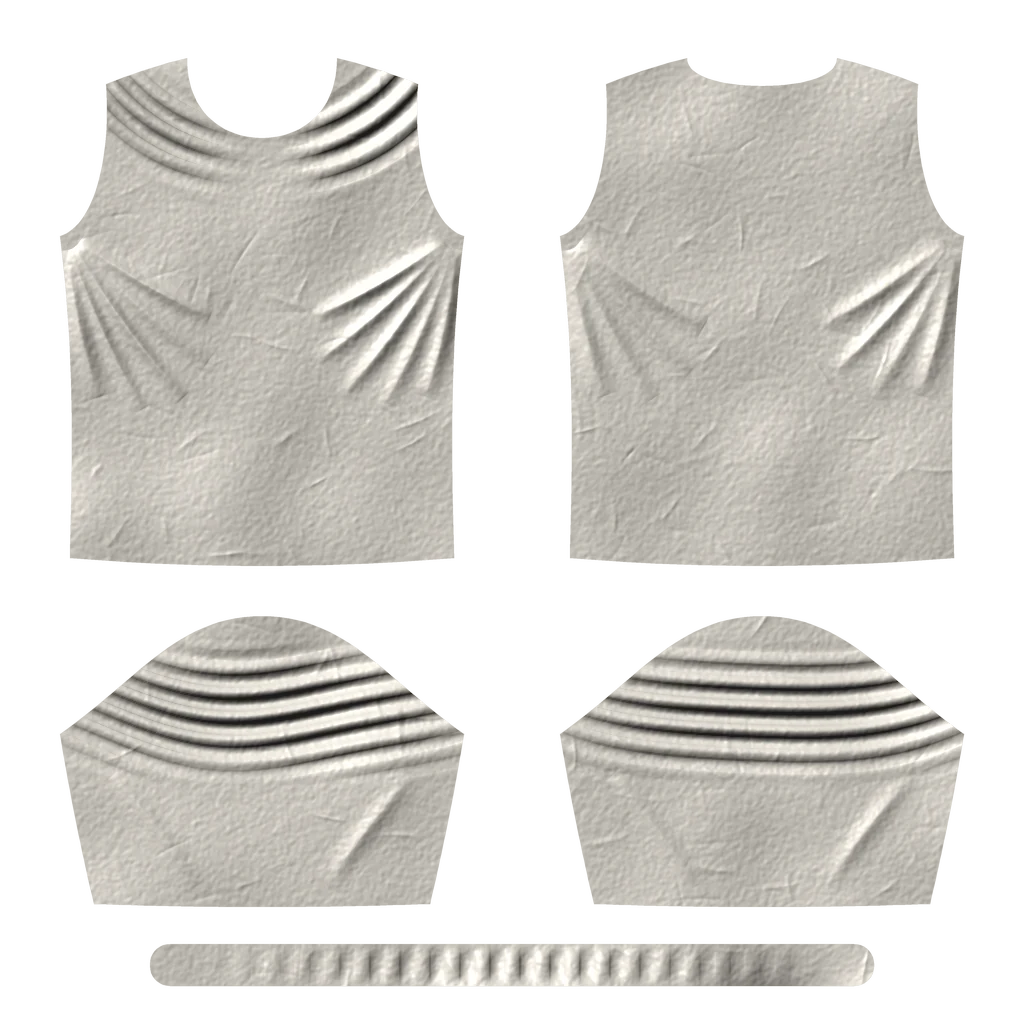
An illustration in your browser: five wrinkle maps of a T-shirt pattern handing over to each other as the arms rise.
You bake a wrinkle map for each pose that matters. The runtime does the rest: every frame it works out which of your maps fit the body right now, and how much each one should show.
You don't wire curves by hand, and no pose falls between the cracks.
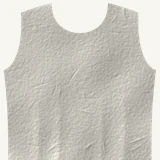
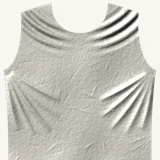
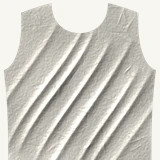
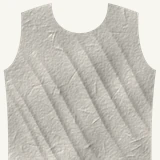
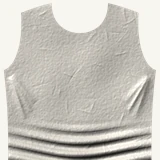
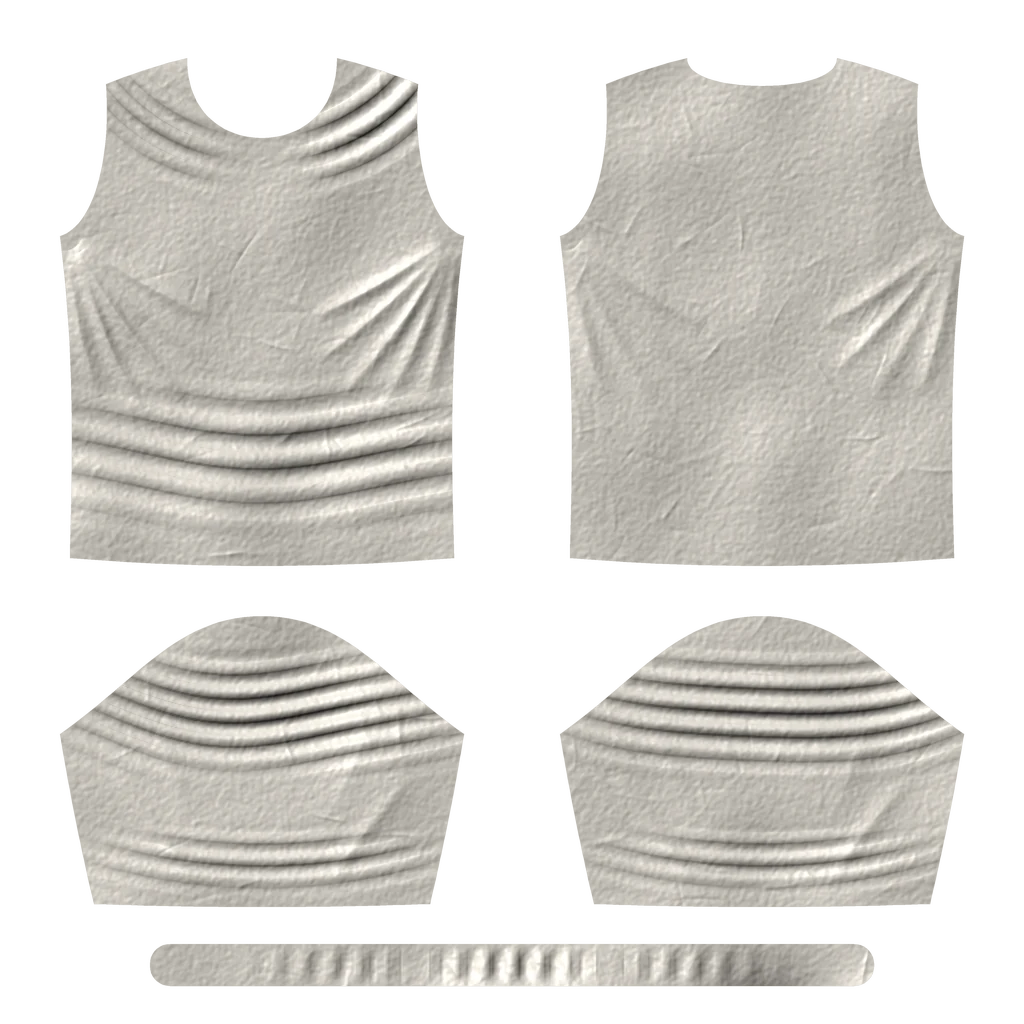
Folds change with the driver bones, frame by frame — not with a timeline or a state machine.
Wherever the pose goes, there are folds. They don't drop out between the poses you authored.
Moving from one pose to the next is a smooth hand-over, not a switch.
A guard on how quickly folds may change keeps snaps and quick turns from flickering.
Which poses deserve a map? Point the analyzer at your animations and it proposes a set that covers them — then shows how it holds up on clips it never saw.
Add animations or whole folders. Mark what the set must be tuned for and what it only has to cover.
Tell it which poses have to be in the set. It builds the rest around them.
It compares sets of different sizes and recommends the smallest that holds up — fewer maps to bake.
Every result is measured on animations the analyzer didn't learn from, so a set can't just look good on paper.
A changed animation pack gets new runtime presets — livelier, cleaner, calmer — without re-baking a single map.
A commandlet runs the same analysis from the command line, and the pose set is plain JSON.
Drop the material function into your cloth material. It adds the live folds onto your base normal.
Add the node to your Animation Blueprint. It writes one curve per pose, plus optional diagnostic curves.
Add the component to the character. It solves from the skeletal mesh's pose — or reads the node's curves — and writes straight to the cloth components.
Create an analysis setup, add your animations and run it. Pick the set size you want.
One click writes the pose set asset and a document Looma can read.
Import the document in Looma, simulate and bake one wrinkle map per pose.
Add the maps and press Build: they're matched to poses by name and packed into a texture array.
Add the AnimGraph node or the Wrinkle Material Driver component to the character.
Use the cloth material, set its texture array and how deep the folds should be. Done.
Send finished maps from Looma, or let an assistant do it. The editor picks them up from the project's inbox, imports them as normal textures, updates the pose set and writes a receipt Looma can read back.

The plugin is in beta. This is what the current version does.
| Engine | Unreal Engine 5.8 |
|---|---|
| Platform | Win64 |
| Cloth | Chaos Cloth components; any material that uses the material function |
| Modules | Runtime · Editor · Analyzer |
| Drivers | Wrinkle Pose Solver AnimGraph node · Wrinkle Material Driver component |
| Outputs | Custom Primitive Data or scalar parameters |
| Shader cost | Fixed per pixel, independent of the number of poses |
| Textures | Texture2DArray · BC5 single maps or BC7 packed pairs |
| Regions | Up to 3 per mesh, each with its own pose set |
| Pipelines | Pose sets as JSON · headless analysis commandlet |
Early-access studios get the runtime, Looma, and our help taking the first garment from animations to folds.