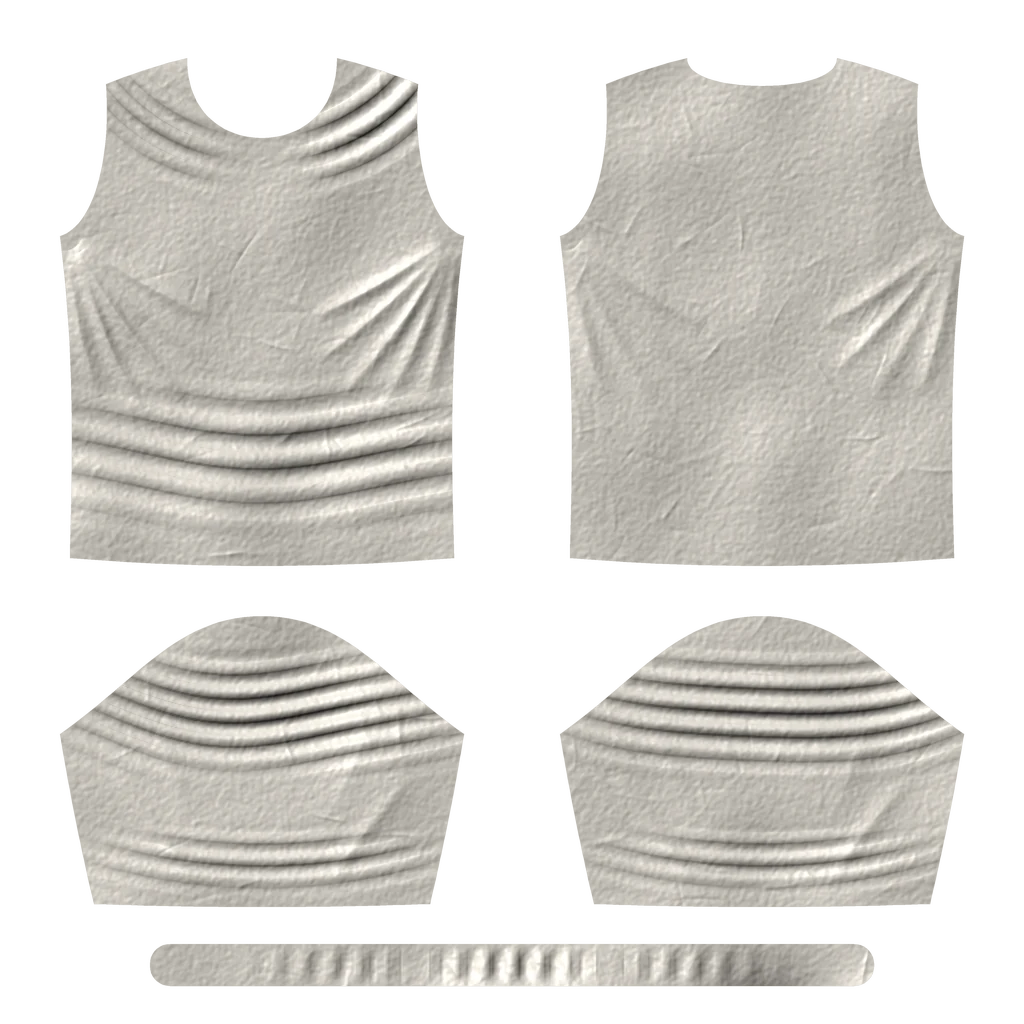
One normal map for every pose
The folds stay put while the body moves under them. Players don't name it — they just feel the cloth is dead.
Looma turns cloth simulation into pose-driven wrinkle maps. Its Unreal Engine runtime reads the skeleton every frame and plays them back: folds that follow the body, at a fixed shader cost.
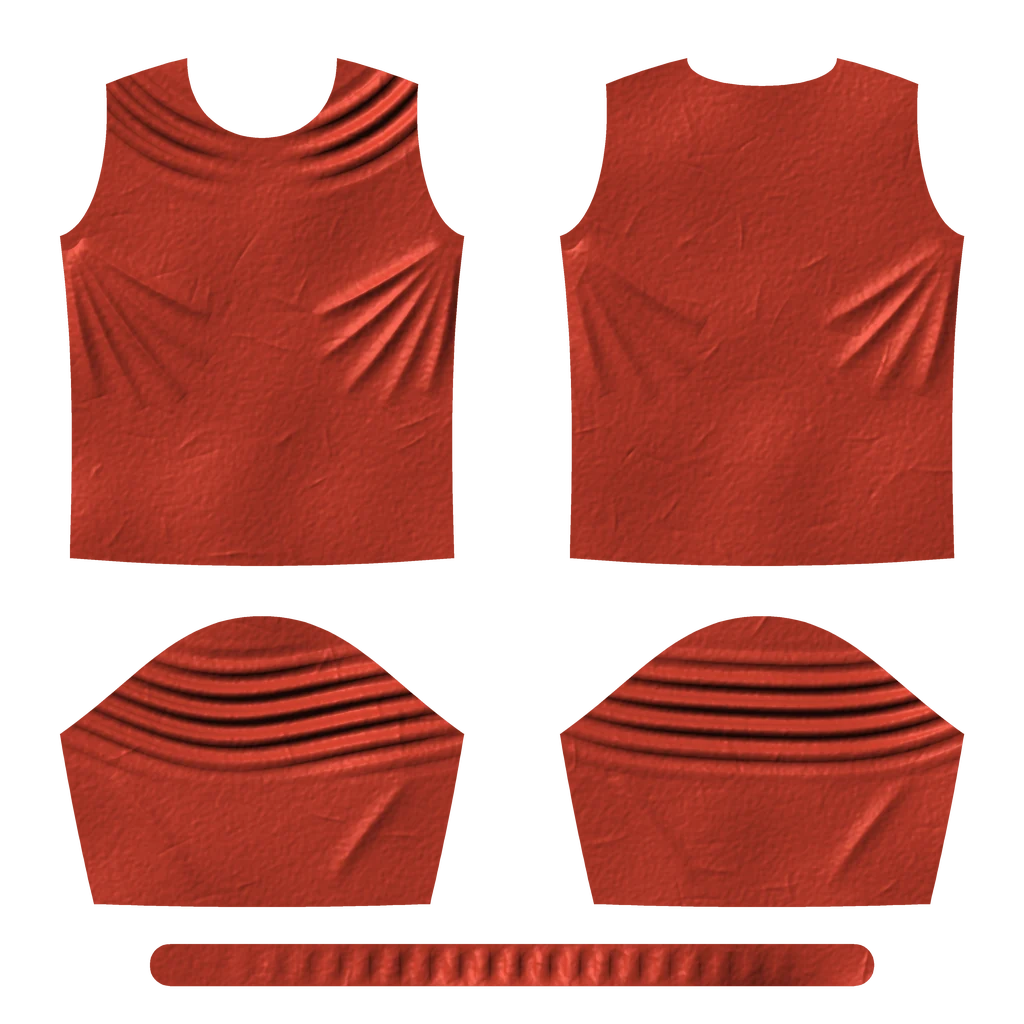
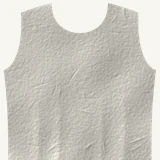
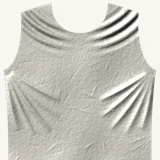
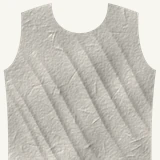
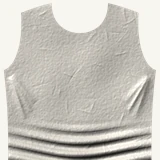
As the arms rise, the folds follow: five wrinkle maps of a T-shirt pattern hand over to each other, live in your browser. An illustration of the job the Unreal runtime does every frame.
The folds stay put while the body moves under them. Players don't name it — they just feel the cloth is dead.
Small wrinkles want dense meshes and heavy solvers. Fine for a hero shot; the budget runs out long before a crowd does.
And the maps never quite agree with each other, so wherever two of them blend, the folds shimmer.

Looma is the third way: folds simulated offline, pose by pose, from one consistent cloth — then played back from the skeleton for the price of a few texture samples.
Most of the craft happens in Looma, where cloth is simulated, baked and refined into maps. The runtime carries the result into the game, where it has to hold up at sixty frames a second.
 Desktop app for Windows
A native application that takes a garment from FBX to a finished set of wrinkle maps: pose library, cloth simulation, wrap, bake, paint, sculpt and blend preview — in one window, without Maya.
The runtime half of Looma: an AnimGraph node and a component that read the pose every frame and drive the cloth material. One material graph, however many poses you add.
The analyzer reads your animations and picks the poses worth a wrinkle map.

Bring the pose set into Looma and simulate the whole set, on CPU or GPU.

Wrap the simulated cloth onto your game mesh and bake. Paint, sculpt, and preview any blend.

Two maps per texture if you like. They arrive in your Unreal project and are imported for you.
Every frame the runtime reads the skeleton and shows the folds that fit the pose.
Every step that used to need Maya, a simulator, a baker and a texture editor — in one native window, with one undo history and one scene file.

Pull poses from animation takes, or author new ones by turning joints.
Built-in solvers on CPU or GPU, with pause, resume and grabbing the cloth right in the viewport.

Carry the simulated folds onto your game mesh and bake by raycast or surface projection.

Smooth, repair seams, clone. Sculpt a pose with brushes, masks and layers — and re-bake.

Mix poses and see exactly the cloth the game will show, before it ever reaches Unreal.

Paint regions of the garment, mirror them, and decide per pose where the cloth hugs the body.
Pick the final maps, pack two into one texture, and send them straight to your Unreal project.

Let Claude or Codex prepare, check and start bakes in your Looma window through MCP.
The runtime reads the driver bones every frame and shows the folds that fit the pose — the ones you simulated and approved in Looma.
The same idea — heavy simulation offline, light playback in the engine — goes well beyond wrinkles. Here's what we're building next.
Turn complex deformation into a game-ready skinned rig that runs in any engine.
Film a fabric, get a Chaos Cloth asset tuned to match it — and optimised for games.
A physical layer on top of your animation: characters that react to the world without losing their performance.
No. Looma is a standalone Windows application. Bring a skinned garment as FBX, the body as FBX, and your poses — Looma does the rest.
Yes. Looma can export per-pose collider clips for an external simulator, and it bakes from any high-resolution OBJ that sits in the same space as your game mesh.
The runtime targets Unreal Engine 5.8 on Win64 and is built for Chaos Cloth. Looma runs on Windows x64.
Yes. Drop our material function into it, or have the runtime write one scalar parameter per pose and wire them however you like.
A fixed handful of texture samples per pixel and a small per-character solve on the CPU. Adding poses changes neither.
We're onboarding a small group of studios for early access. Send us your cloth and a few animations, and we'll take it through the pipeline with you.